

Measure the plan. Then quote it.
Trace rooms and roofs on a plan PDF inside your CRM, then bring the totals into a quote. It's on the menu for flooring, painting, drywall, remodeling, general contractor and roofing businesses.
Watch it work
From plan to quote.
Included at every price, for the trades that bid from drawings. No add-on, no extra fee.
- Open Plan Measure from the Sales menu and choose Try the sample plan, or upload your own PDF.
- Set the scale before you measure, because every number depends on it.
- Trace a room. The area shows as you draw, like 859 square feet for the sample room.
- Open the report and export it. That saves a small file (JSON or CSV) to your device.
- On the quote, choose Import measurements and pick that file. Check each line.
- Add the lines. Nothing is sent until you press Send.
Three steps.
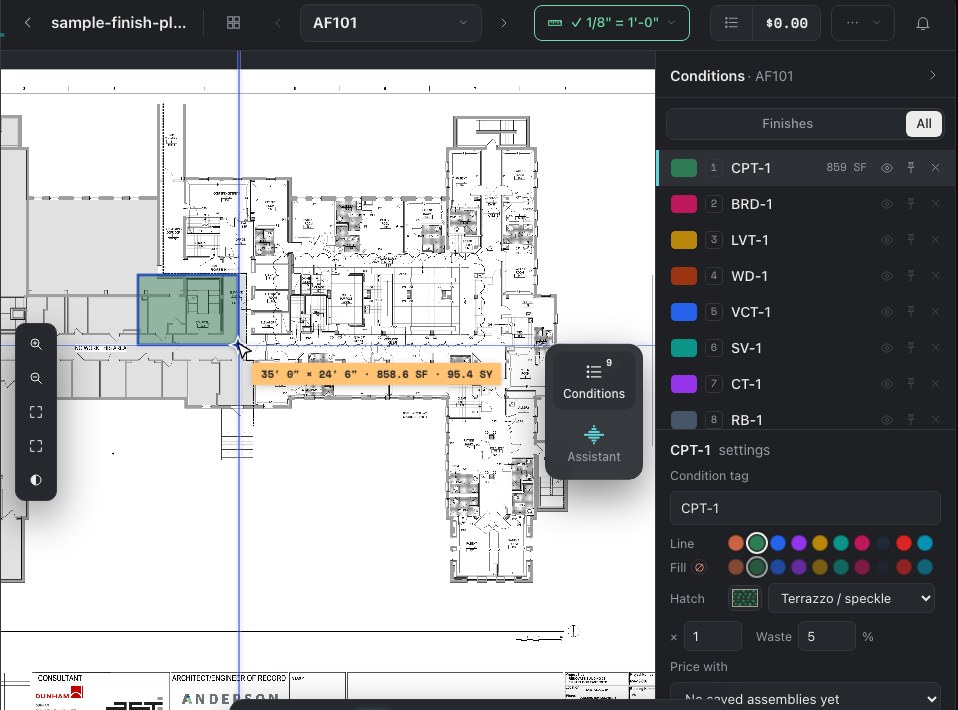
1. Trace it
Rooms with the area tool, base and trim with the line tool, and items with the count tool.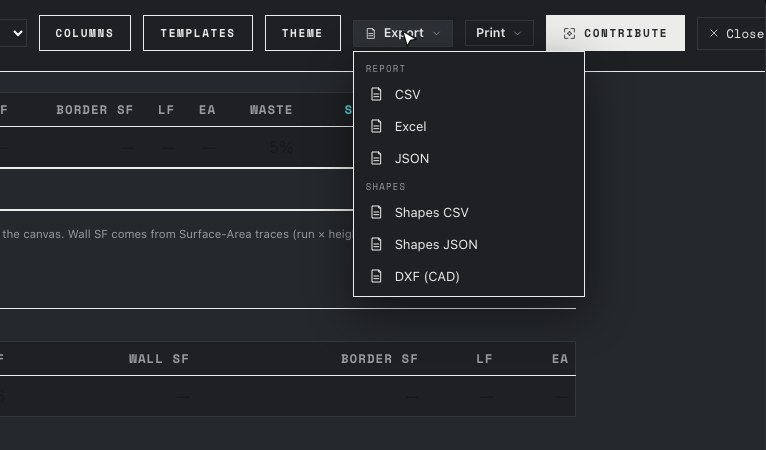
2. Export it
The report adds the waste you set for each finish.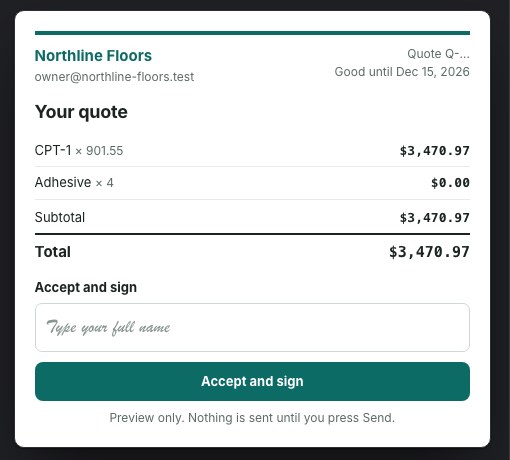
3. Quote it
Lines take the price from your price book item with the same name.
Before and after.
Tape, calculator, spreadsheet
- Measure each room off the plan with a scale ruler and a calculator.
- Copy the numbers into a spreadsheet.
- Copy them again into the quote.
Plan Measure
- Draw the room on the plan PDF and read the area as you go.
- One report per job, with your waste added for each finish.
- The totals arrive as quote lines you check before they are added.
What it does.
- Floors, walls and trim. Area in square feet, wall area from run and height, and lengths in linear feet.
- Roofs. Roof areas and runs, in square feet and linear feet. Areas are measured flat on the sheet, so apply your pitch factor before you price, and divide by 100 for squares.
- Counts. Count items such as vents or fixtures on the plan.
- Plan sets. Open a PDF with one sheet or many, and the report shows totals by sheet.
- Your scale. Pick the scale the sheet prints, or click both ends of a known distance and type its length.
- Waste per finish. You set a waste percentage for each finish and the report adds it.
- Your price book. Lines take the price of the price book item with the same name. Anything else is flagged so you can type a price.
- You check every line. Untick any line before it joins the quote. Nothing is saved or sent until you save and send the quote.
How each trade uses it.
You'll see Plan Measure if your business is one of these. Other businesses don't see it.
Questions about Plan Measure
Are the numbers exact?
They are what you drew, plus the waste you set for each finish. Set the scale first, because every number depends on it, and check the totals against the plan before you send a quote.
Will it open the plans my contractor sends?
It opens PDF plans, one sheet or a whole set. You pick the sheets you need.
Does my plan get uploaded?
No. The plan PDF stays on your device. When you import, we read only the report file you pick, to make the quote lines.
What can I measure, and are there limits?
Floors, walls, roofs, trim and counts, in feet. On the quote, pick the JSON or CSV file the report saved. Excel files and reports in meters are not accepted. The file can be up to 1 MB, so on a very large job export one area at a time.
Can I use it on a phone or tablet?
It runs in your web browser, so there is nothing to install. The page and its guide fit a phone screen. Try the sample plan on your own phone or tablet to see how it feels for the plans you use.
Is it free software? Who makes it?
The measuring window is OpenTakeoff, a free and open source project by Kentucky AI, shared under the AGPL-3.0 license. We run it as published. Source code: github.com/Kentucky-ai/opentakeoff.
Plan Measure is powered by OpenTakeoff, free and open source under AGPL-3.0, by Kentucky AI. View the source code.
Every feature, on every plan.
Every feature is on every plan. 30-day free trial: $0 today, card required, cancel in Billing before day 30 and you pay nothing. Prices may change with 30 days' notice.
Works with.
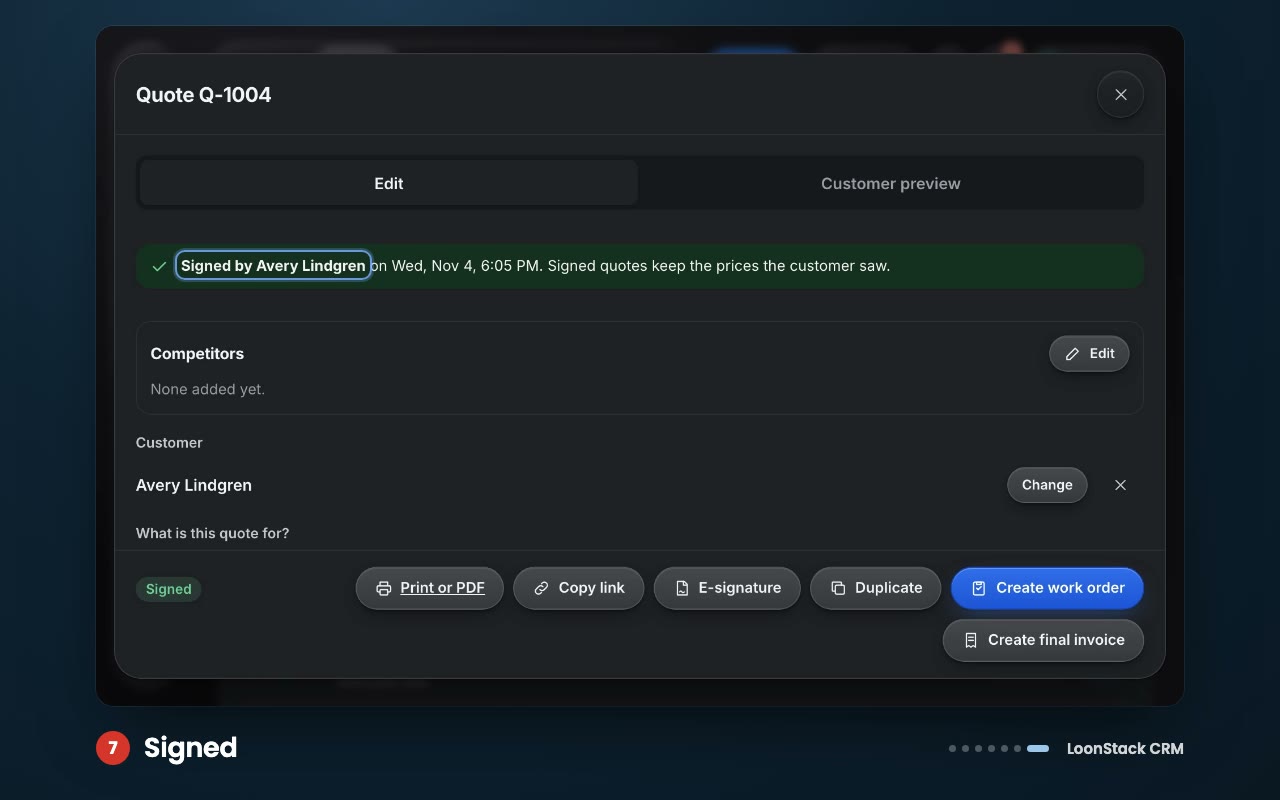 QuotesSend the quote as one link. The customer types their name to sign, and the deposit invoice is made for them.See quotes
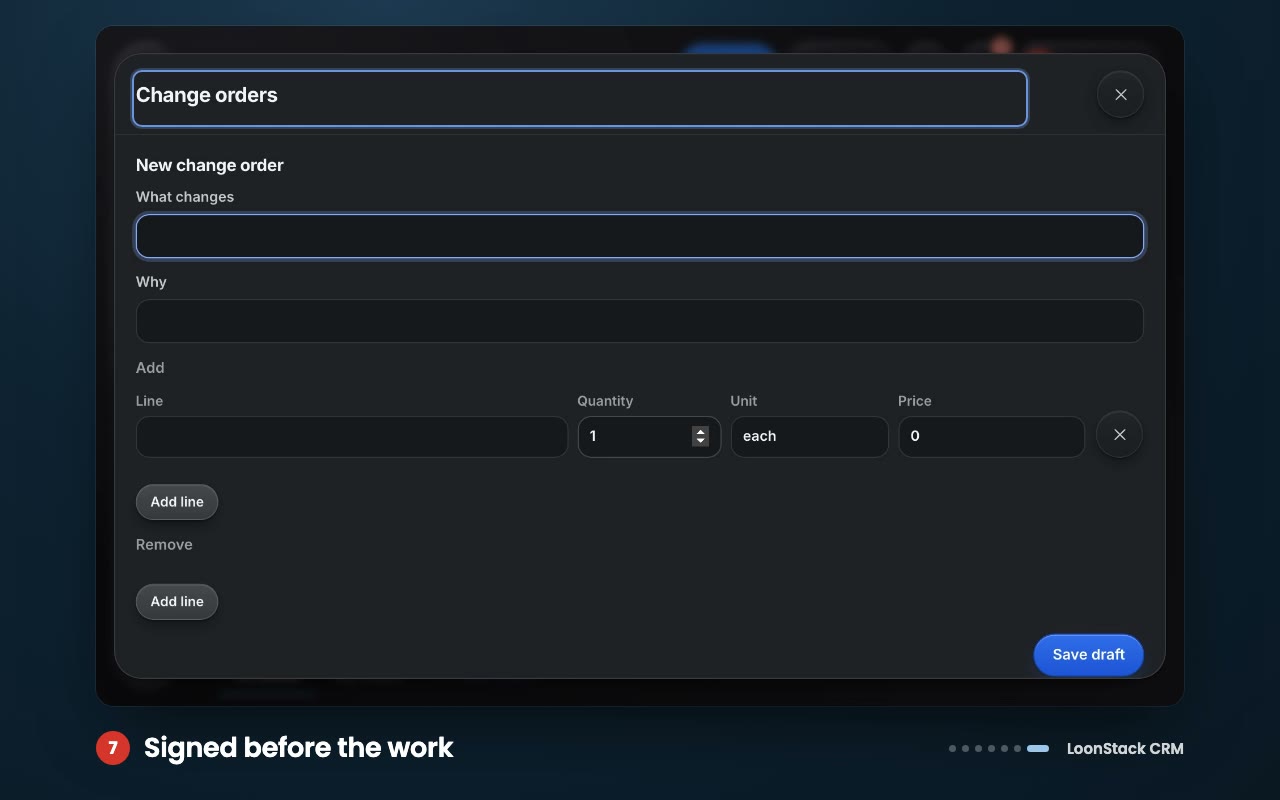 Work orders and change ordersTurn the signed job into a work order, and price any extra work as a change order before the crew starts it.See work orders and change orders
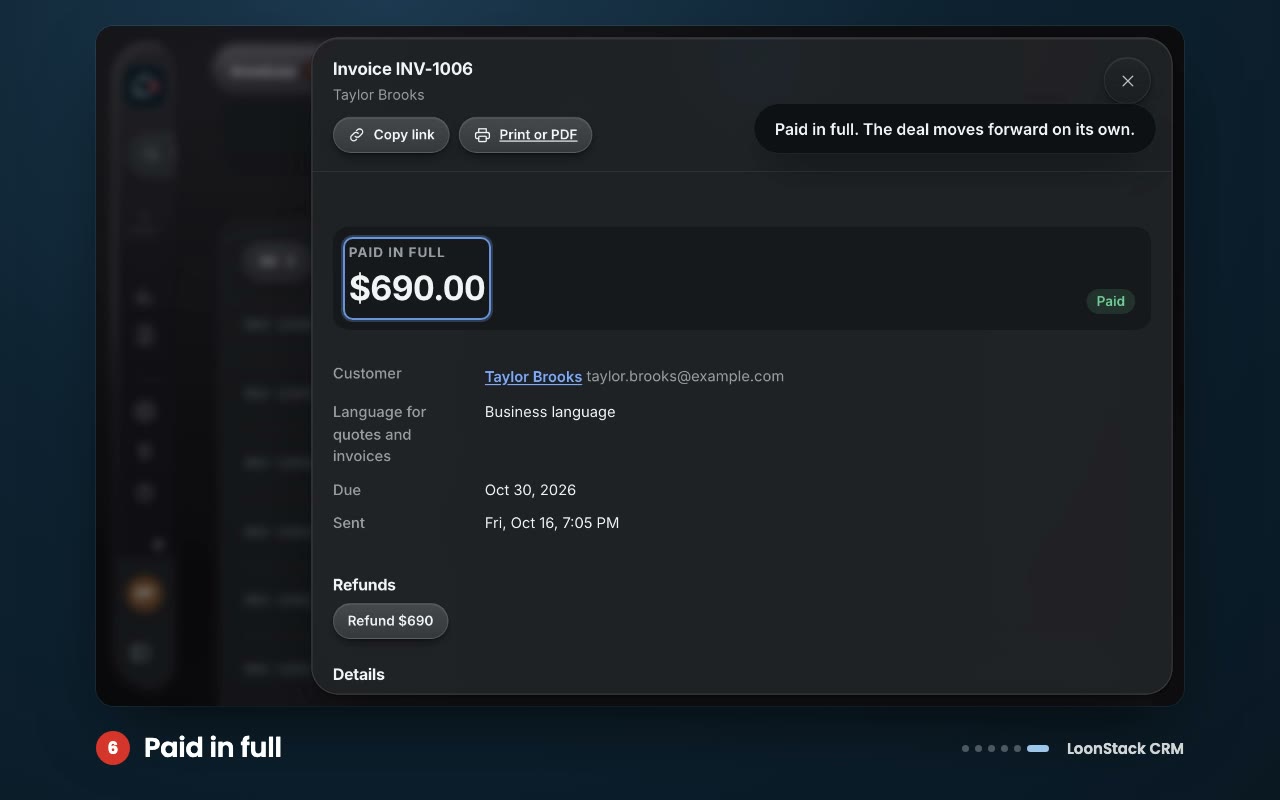 InvoicesTurn a signed quote into an invoice and send it with a pay button.See invoices