

Every job on one page, from checklist to signature.
A work order holds the checklist, parts and labor, photos, time on site and the customer's signature. On construction jobs, change orders are signed before the extra work starts.
Sample business, sample data
Watch it work
Work orders and change orders, start to finish.
On every plan. No add-on, no extra fee.
- Start a new work order.
- Pick your trade: the checklist, job details and color fill in.
- Work the checklist on site.
- Save it.
- The customer signs on your device, or on their own page.
- Type the name and draw the signature.
- Signed and done. The work order is completed with the time and name.
Sample business, sample data
Change orders, signed before the extra work.
- Open the signed job and choose Change order.
- Say what changes and why, with the lines added or removed.
- Save the draft.
- Send it to sign.
- The homeowner types their name and accepts, on their phone.
- Accept and sign.
- Signed before the work. The new total is recorded, and added work gets its own invoice.
What it does.
- Templates for your trades with checklists and job details you can change. New work orders open with the trades you do; other trades are one click away.
- Priced checklist items from your services, labor and parts with totals, and an invoice made from it. Only people who may see money see prices.
- Assigned and routed. Everyone on the job is told. The people you pick review it when it is marked done, then make the quote or invoice.
- Team only keeps a work order off the customer's page and out of their email.
- Crew see their own jobs, and only the customers on them, with no money shown.
- Photos from the phone camera, on the work order, or all in one PDF of 10 MB or less.
- Email the customer the invoice or quote and the photo PDF, from your own mailbox.
- On the team calendar with the people on the job, and moved when you change the day.
- Time on site time in and time out.
- Customer signature on your device or on the customer's own page.
- Notes for the crew, and separate notes the customer sees.
How each trade uses it.
Every business type gets work orders and change orders on every plan. A few examples:
- Home tradesTune-ups and installs from HVAC, plumbing and electrical templates.
- Roofing and exteriorRoof repair and replacement checklists.
- Pest controlTreatment records with product and EPA number.
- Pool servicePool visit records with water readings.
- CleaningRoom-by-room checklists.
- Auto repair and detailingVehicle repair orders.
- Landscaping and lawn careMaintenance and install visits.
Every feature, on every plan.
LoonStack CRM Solo
$69 a month
1 user
LoonStack CRM Crew
$129 a month
Up to 10 users
LoonStack CRM Company
$199 a month
Unlimited users
Every feature is on every plan. 30-day free trial: $0 today, card required, cancel in Billing before day 30 and you pay nothing. Prices may change with 30 days' notice.
Works with.
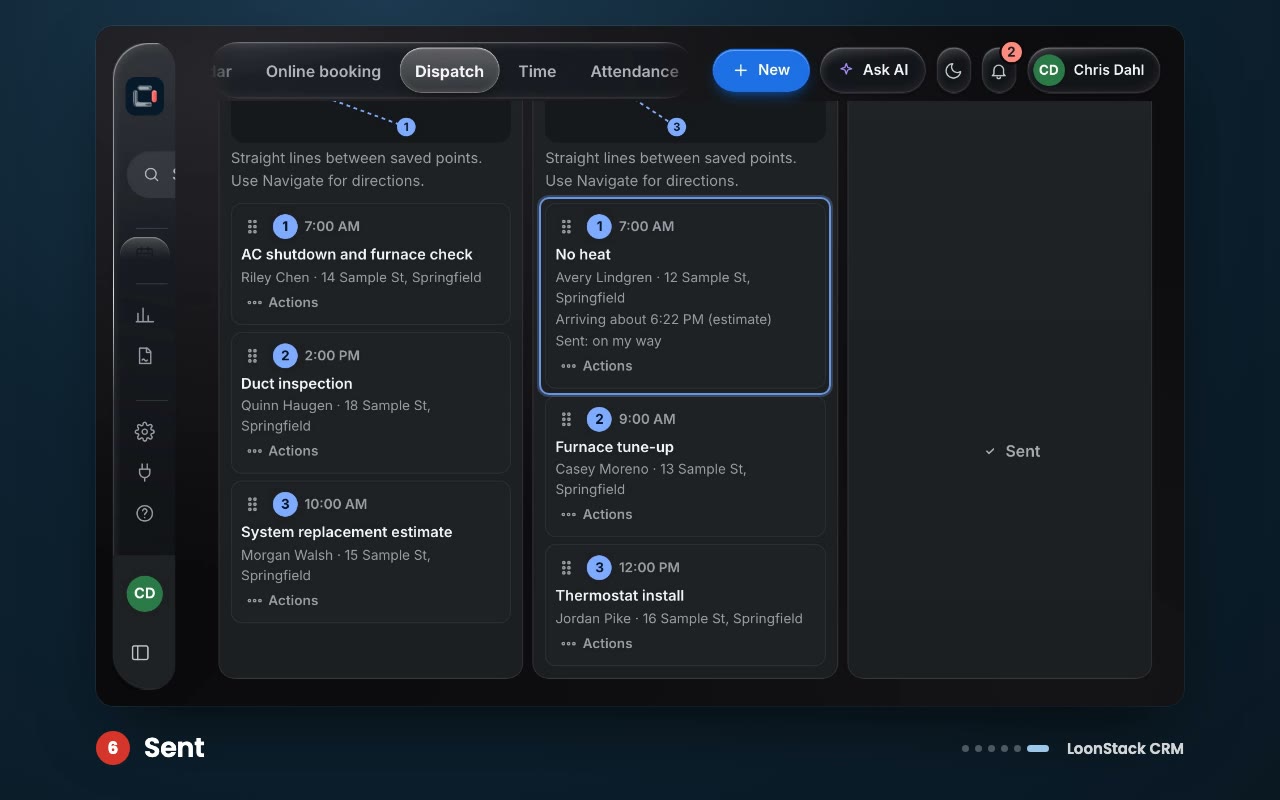 DispatchSee one day's jobs in a column per person, assign the unassigned ones with a double-booking check, and get a suggested stop order.See dispatch
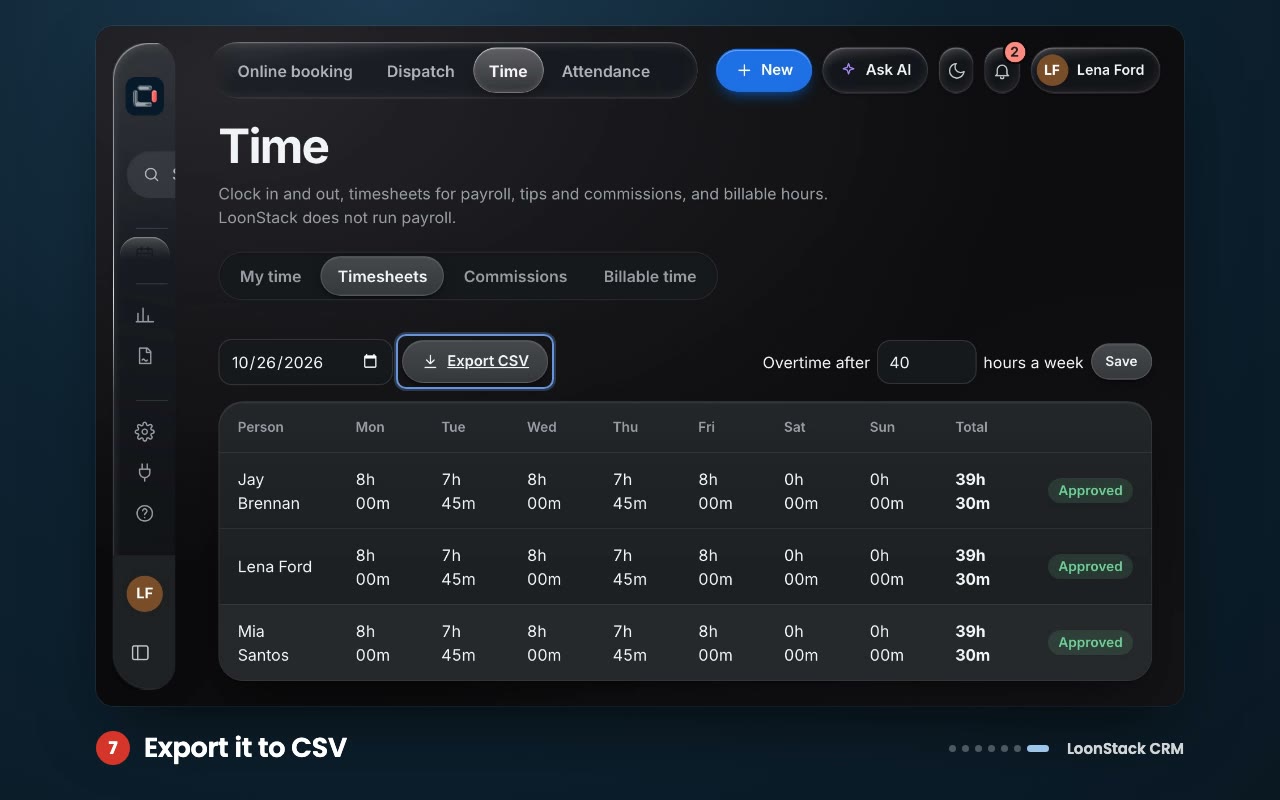 Time clockYour team clocks in and out on their phone. You approve each week's timesheet and export it to CSV for your payroll service.See time clock
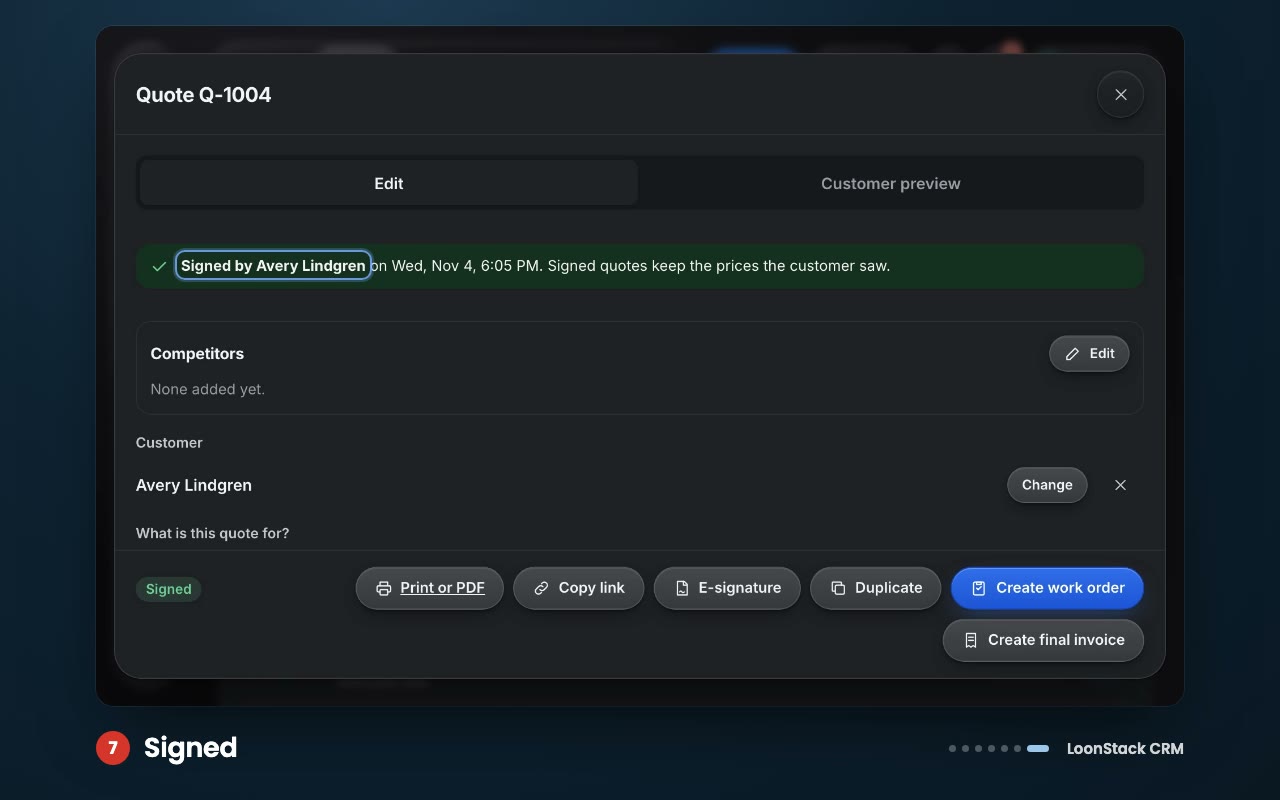 QuotesSend the quote as one link with exactly what the customer asked for. They type their name to sign, and the deposit invoice is made for them.See quotes