

Clock in, clock out, payroll-ready timesheets.
Your team clocks in and out on their phone. You approve each week's timesheet and export it to CSV for your payroll service.
Sample business, sample data
Watch it work
Time clock, start to finish.
On every plan. No add-on, no extra fee.
- Clock in on the phone.
- Take a break.
- On the clock, with the break noted.
- Open the weekly timesheets.
- Pick the week.
- Approve each person's week.
- Export it to CSV for your payroll service.
What it does.
- Clock in and out with breaks, from any phone.
- Weekly timesheets that an owner or admin approves.
- CSV for payroll LoonStack does not run payroll.
- Tips and commissions per person, by service or product, with booth renters left out.
- Billable time by timer or by hand, then one invoice.
- Location only if you turn it on and only at the tap, after the phone asks.
How each trade uses it.
Every business type gets time clock on every plan. A few examples:
Every feature, on every plan.
LoonStack CRM Solo
$69 a month
1 user
LoonStack CRM Crew
$129 a month
Up to 10 users
LoonStack CRM Company
$199 a month
Unlimited users
Every feature is on every plan. 30-day free trial: $0 today, card required, cancel in Billing before day 30 and you pay nothing. Prices may change with 30 days' notice.
Works with.
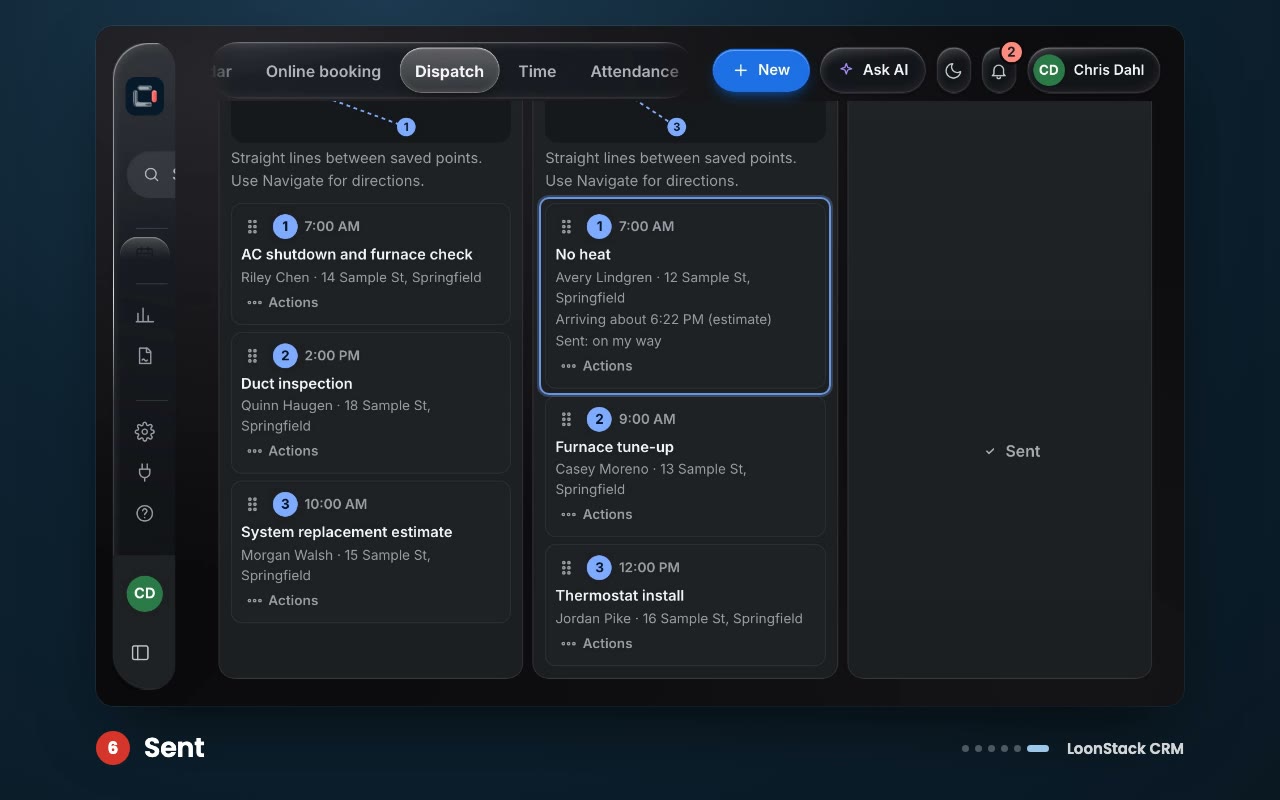 DispatchSee one day's jobs in a column per person, assign the unassigned ones with a double-booking check, and get a suggested stop order.See dispatch
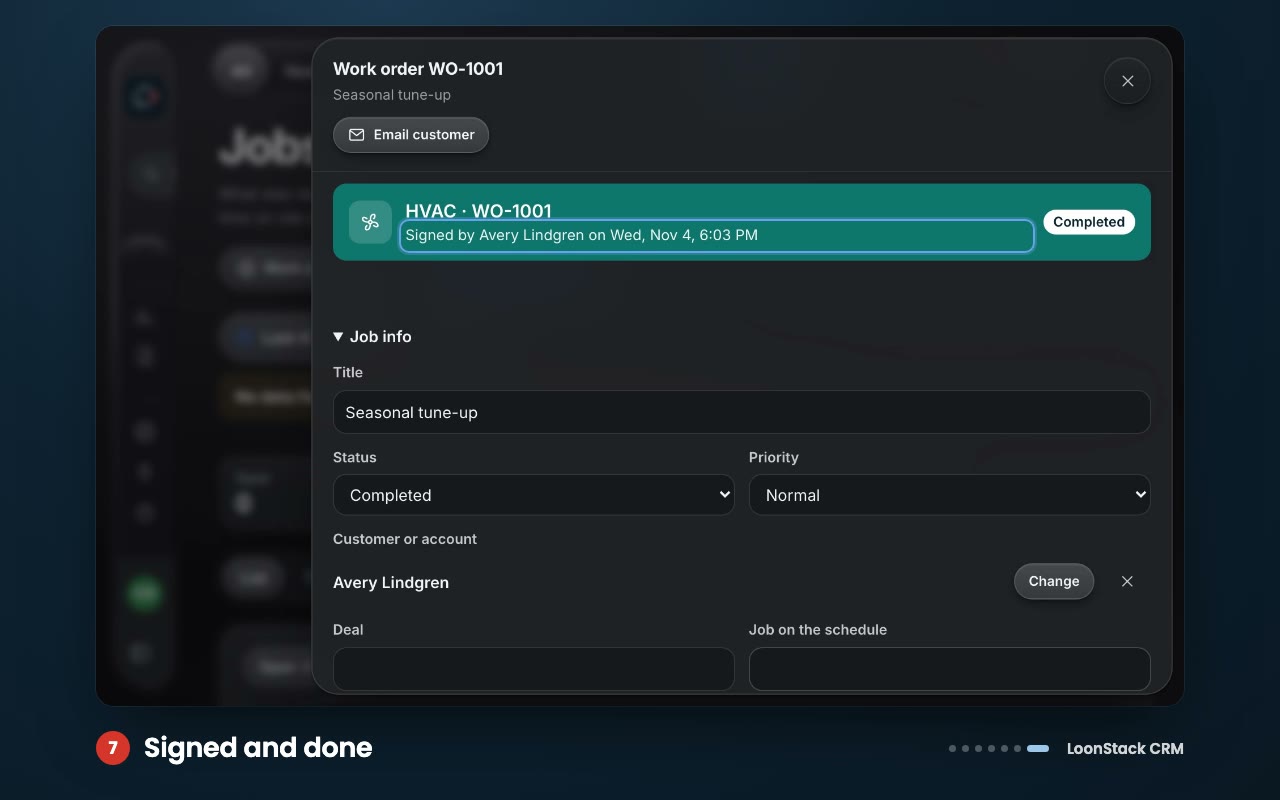 Work orders and change ordersA work order holds the checklist, parts and labor, photos, time on site and the customer's signature. On construction jobs, change orders are signed before the extra work starts.See work orders and change orders
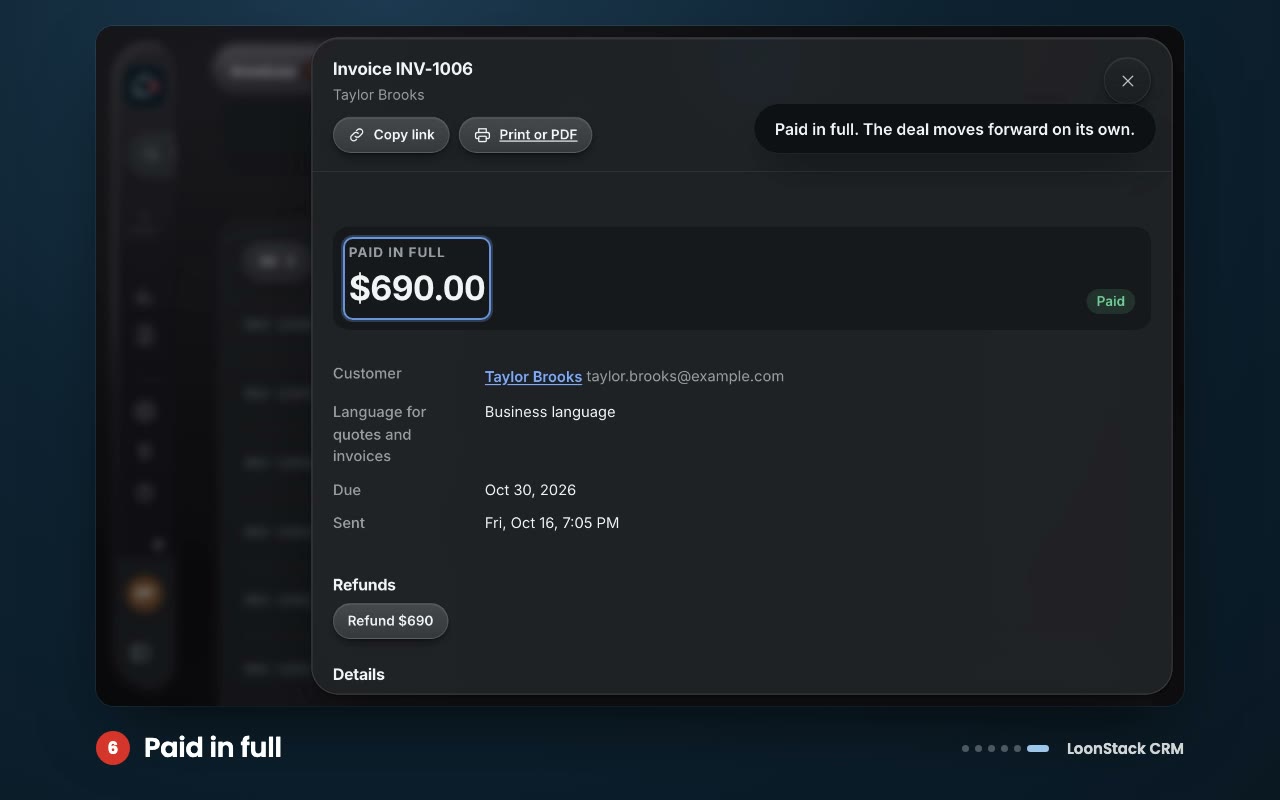 InvoicesTurn a signed quote into an invoice, send it with a pay button, and record cash and checks by hand. Late invoices sort themselves into aging buckets.See invoices